

Available in🇮🇳 India
The default rule applies to transactions that do not satisfy any of the custom rules.
For example, you can ensure that 100% of all transactions is routed through payment gateway A.
View Default Rule
To view the default rule:- Log in to the Dashboard.
- Select Optimizer.
- Click View Default Rule. By default, 100% of transactions are routed through Razorpay. You can choose to retain it or edit it as per your requirements.
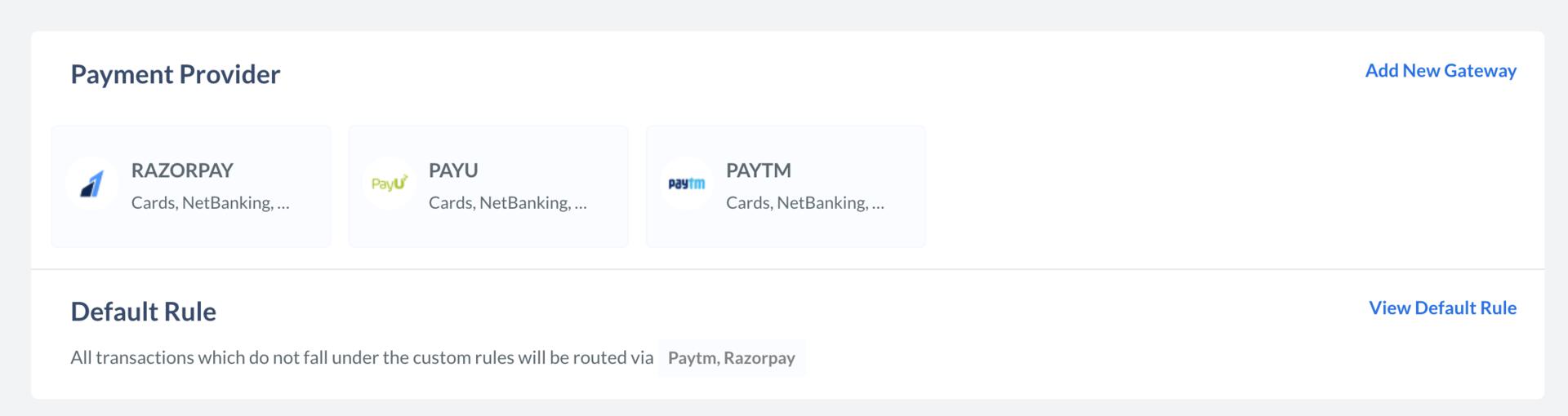
Edit Default Rule
To edit the default rule:- Click View Default Rule.
- In the side pane, click Edit Rule.
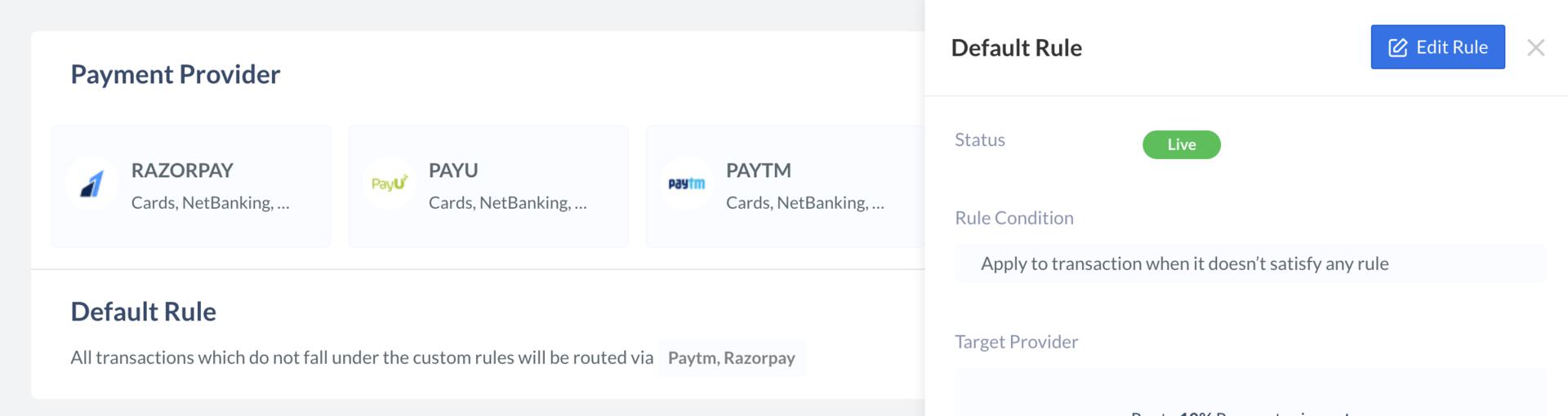
- The rule details appear. Click Edit Target Provider.
- Update the priority. Let us assume you want to ensure that 80% of transactions are routed through Razorpay and 20% through payment gateway ABC. To do this:
- Enter
80in the Route field and selectRazorpayagainst the payment via field. - Click Add Another Provider.
- In the new row, enter
20in the Route field and selectABCagainst the payment via field.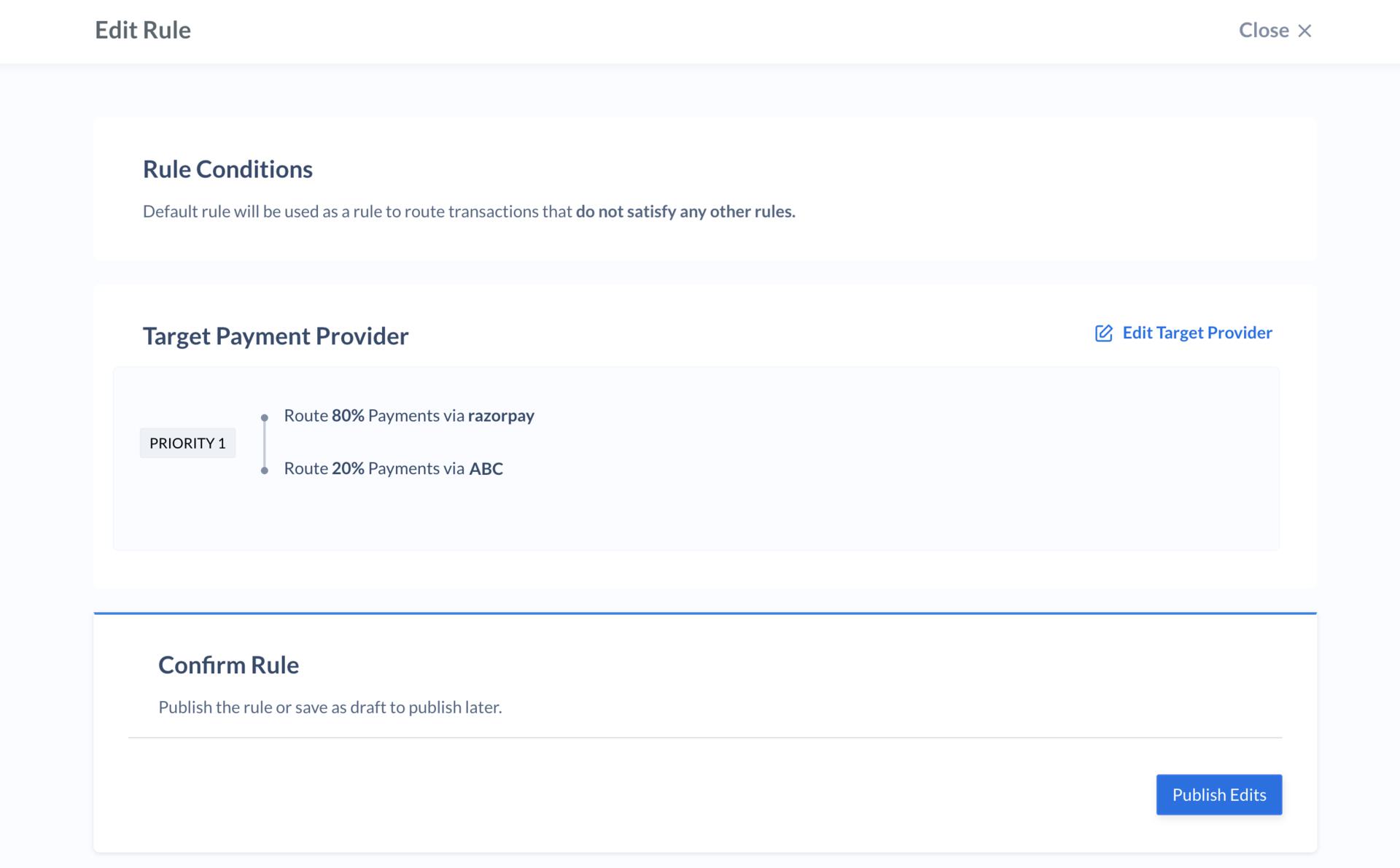
- Click Next.
- Click Publish Edits.
- Click Yes, Publish to confirm the change.
- Enter