

Available in🇮🇳 India
ShopSe’s Cardless EMI is a popular Buy Now Pay Later (BNPL) service. It lets customers manage monthly instalments for purchases without needing a credit card and sometimes not even a debit card. This digital finance option makes more expensive items affordable and accessible.
Follow the steps below to onboard ShopSe as a payment provider.
Prerequisites
Prerequisites
This payment provider is available only with Optimizer. Ensure you have Optimizer enabled for your Razorpay account.
Handy TipsNo additional configuration is required on your businesses end for ShopSe integration.
Add ShopSe as Payment Provider
To add ShopSe as a payment provider:
To add ShopSe as a payment provider:
- Log in to your Dashboard and click Optimizer.
- In the Payment Provider section, click Add Provider.
- Navigate to the Cardless EMI only section and click ShopSe.
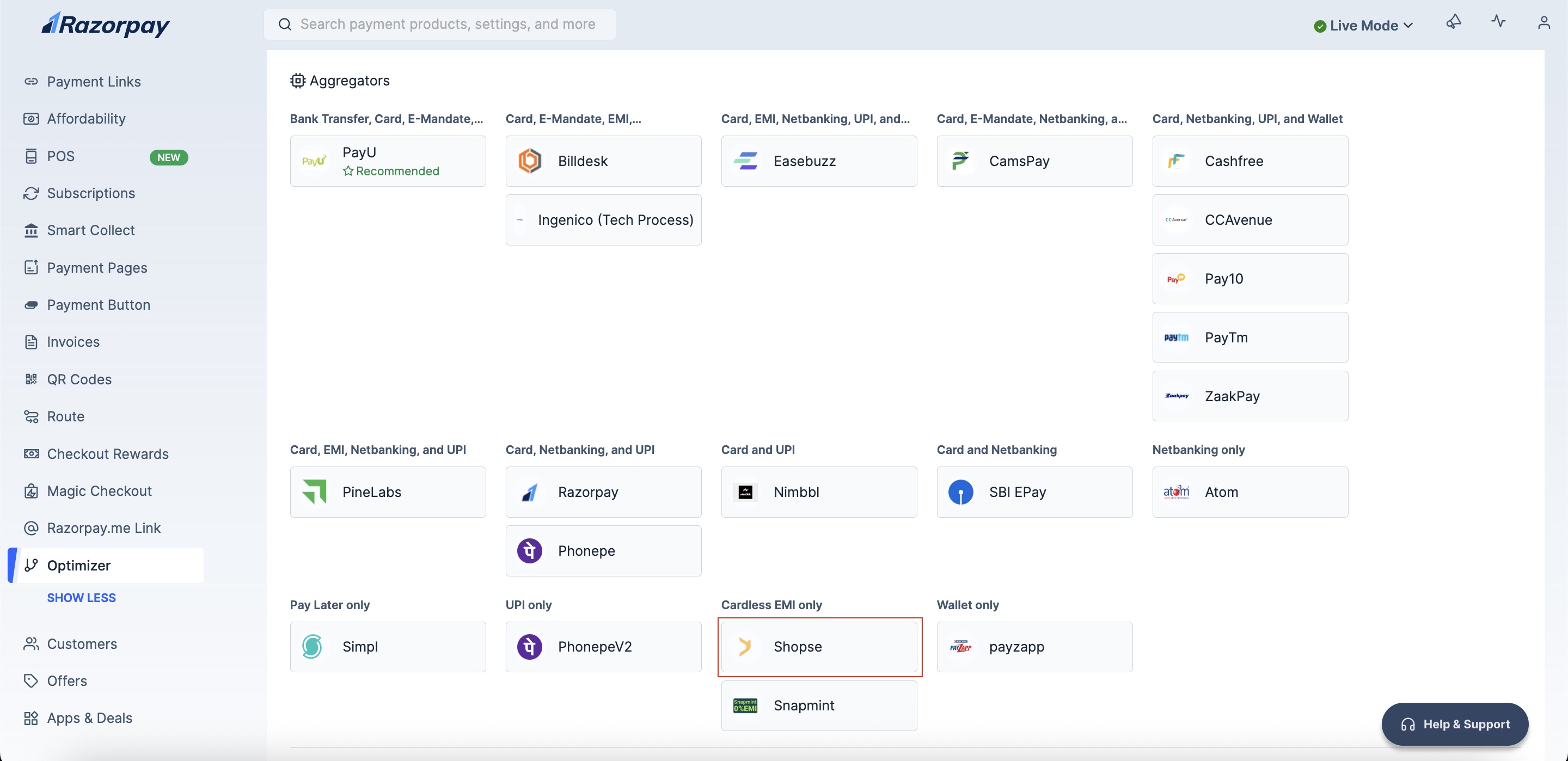
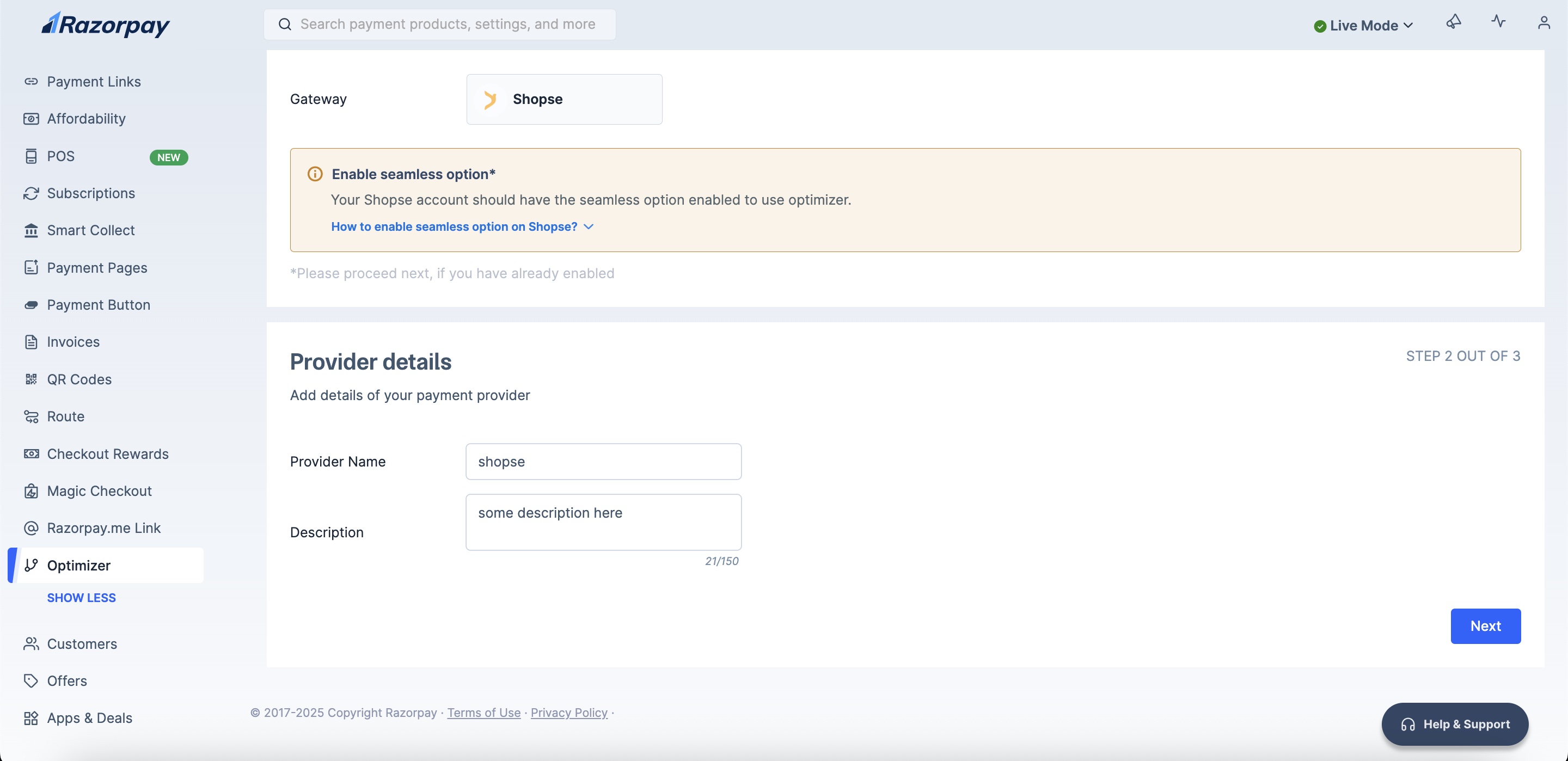
- Enter your Provider Details.
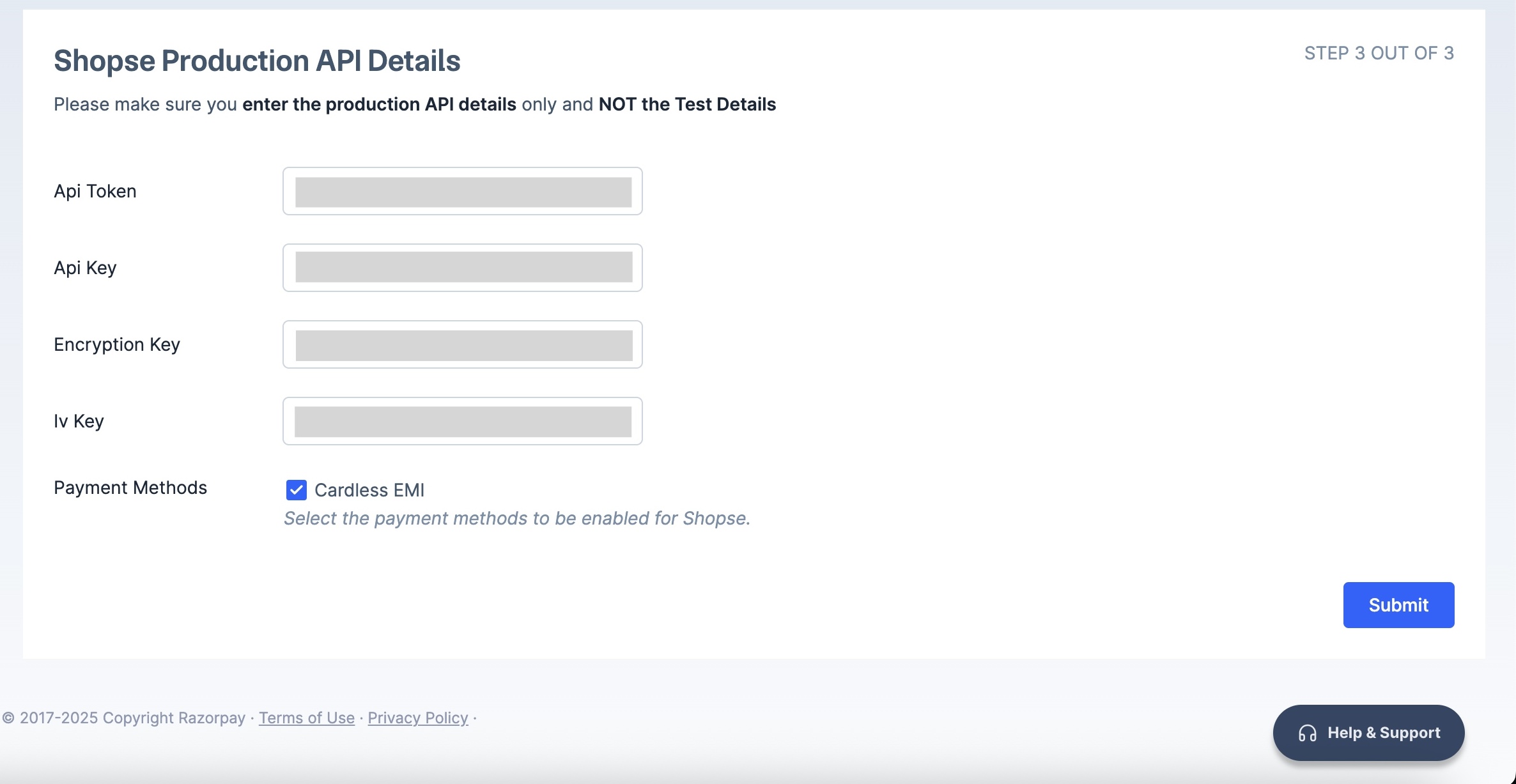
- Enter your ShopSe Production API Details and click Submit.
Configure Custom Rule
Add custom rule to route your transactions via ShopSe:
Add custom rule to route your transactions via ShopSe:
- Log in to your Dashboard and click Optimizer.
- Click + Add New Rule.
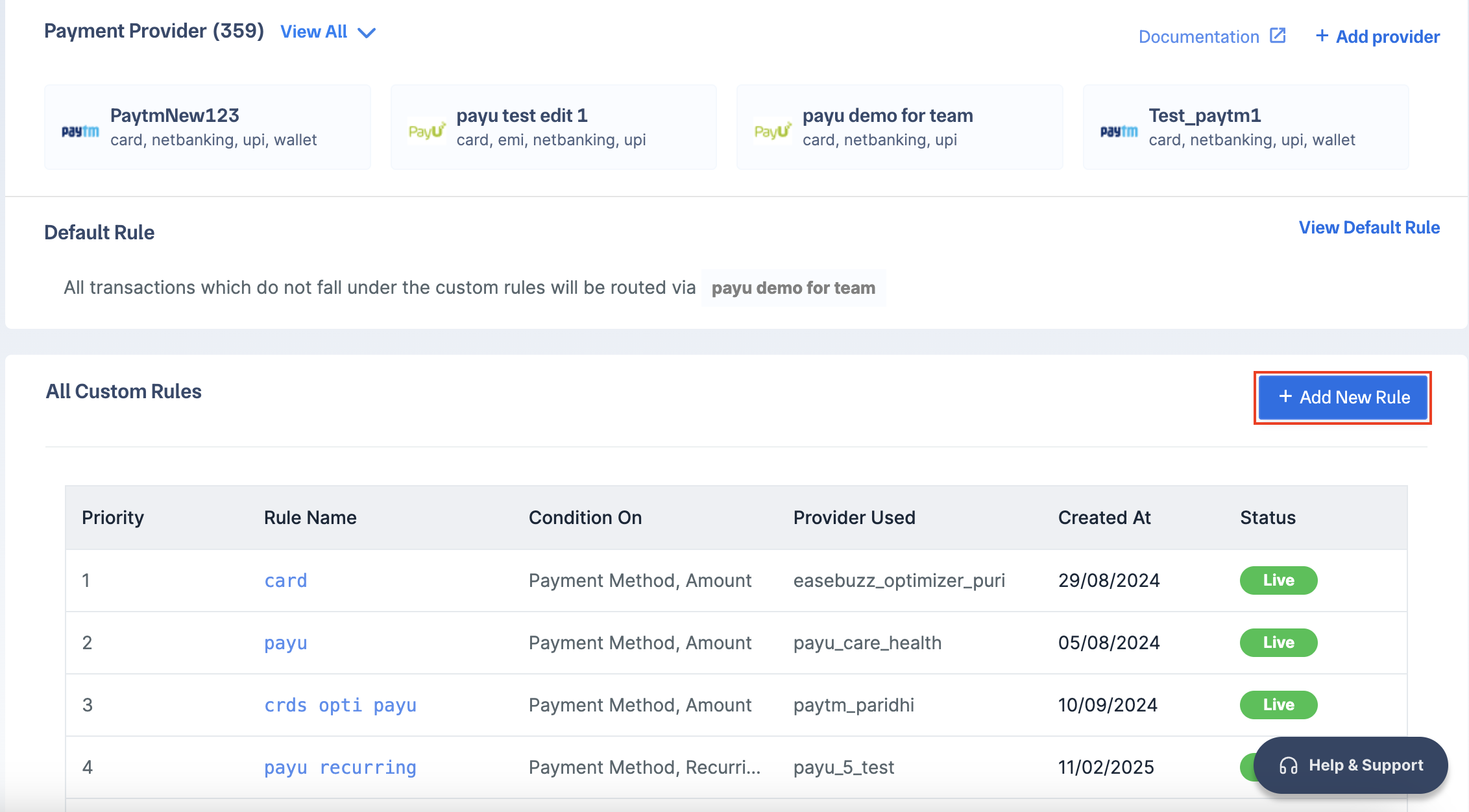
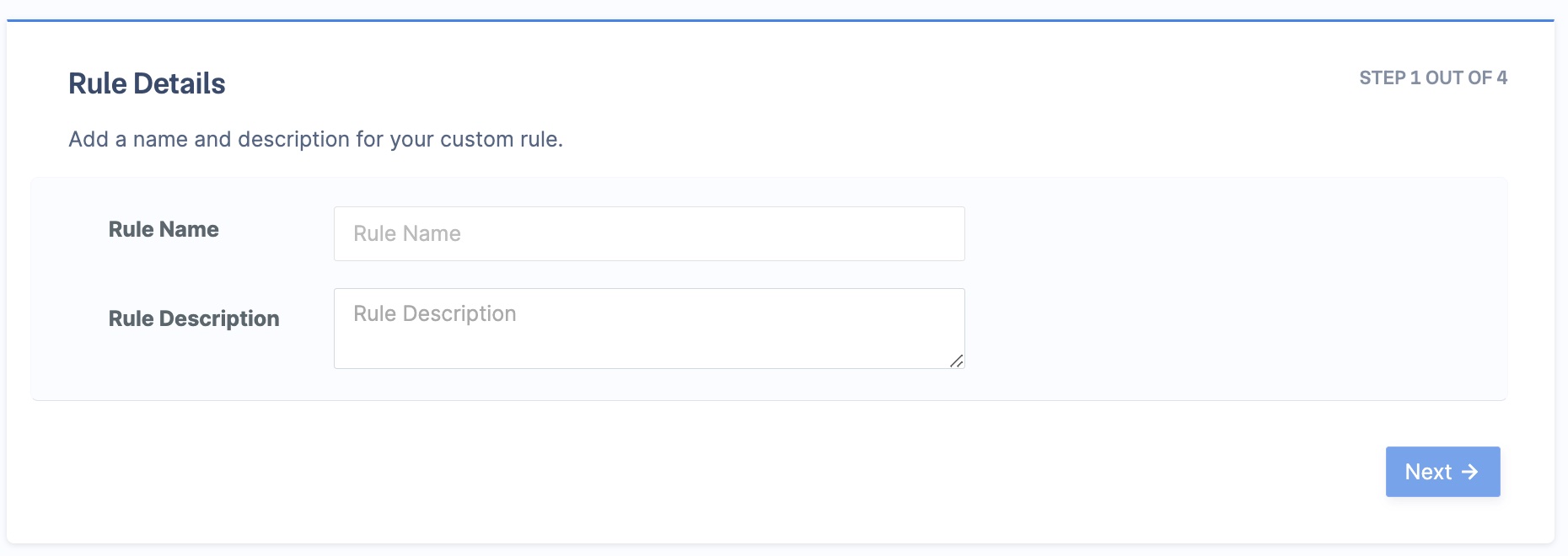
- Enter the Rule Name and Rule Description. Click Next.
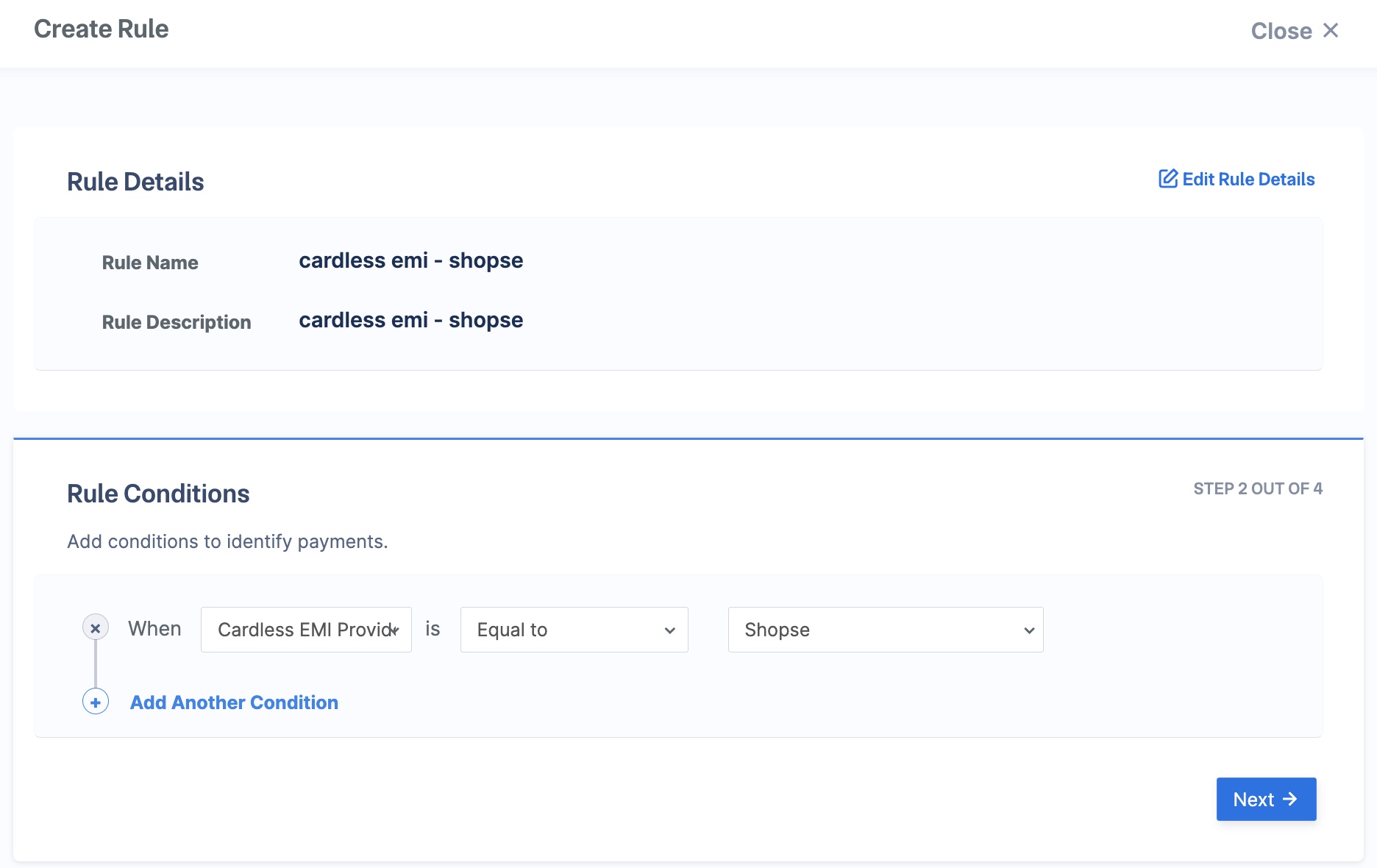
- Select the rule conditions as follows and click Next:
- When -
Cardless EMI Provider. - is -
Equal to. ShopSe.
- When -
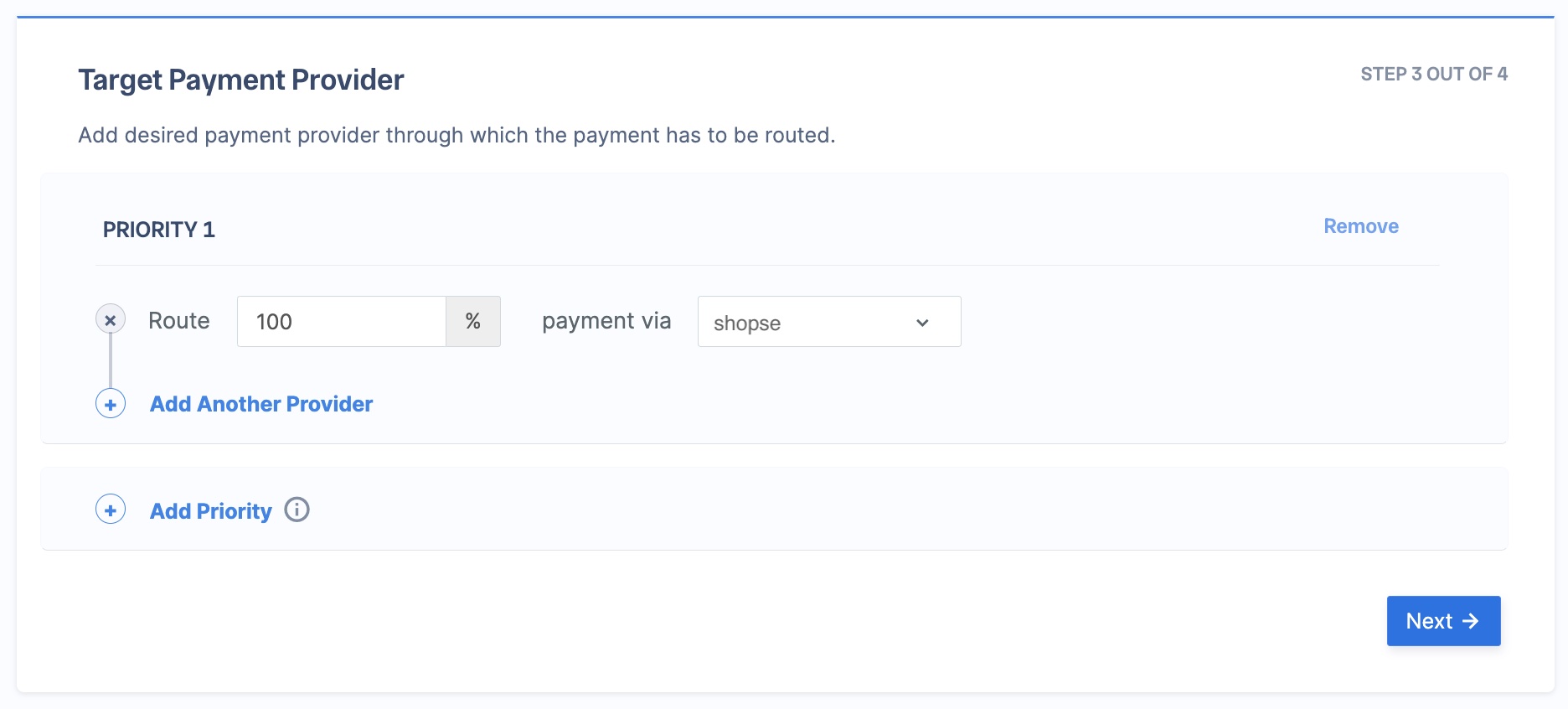
- In the Route field, enter 100, and select shopse in the payment via field. Click Next.
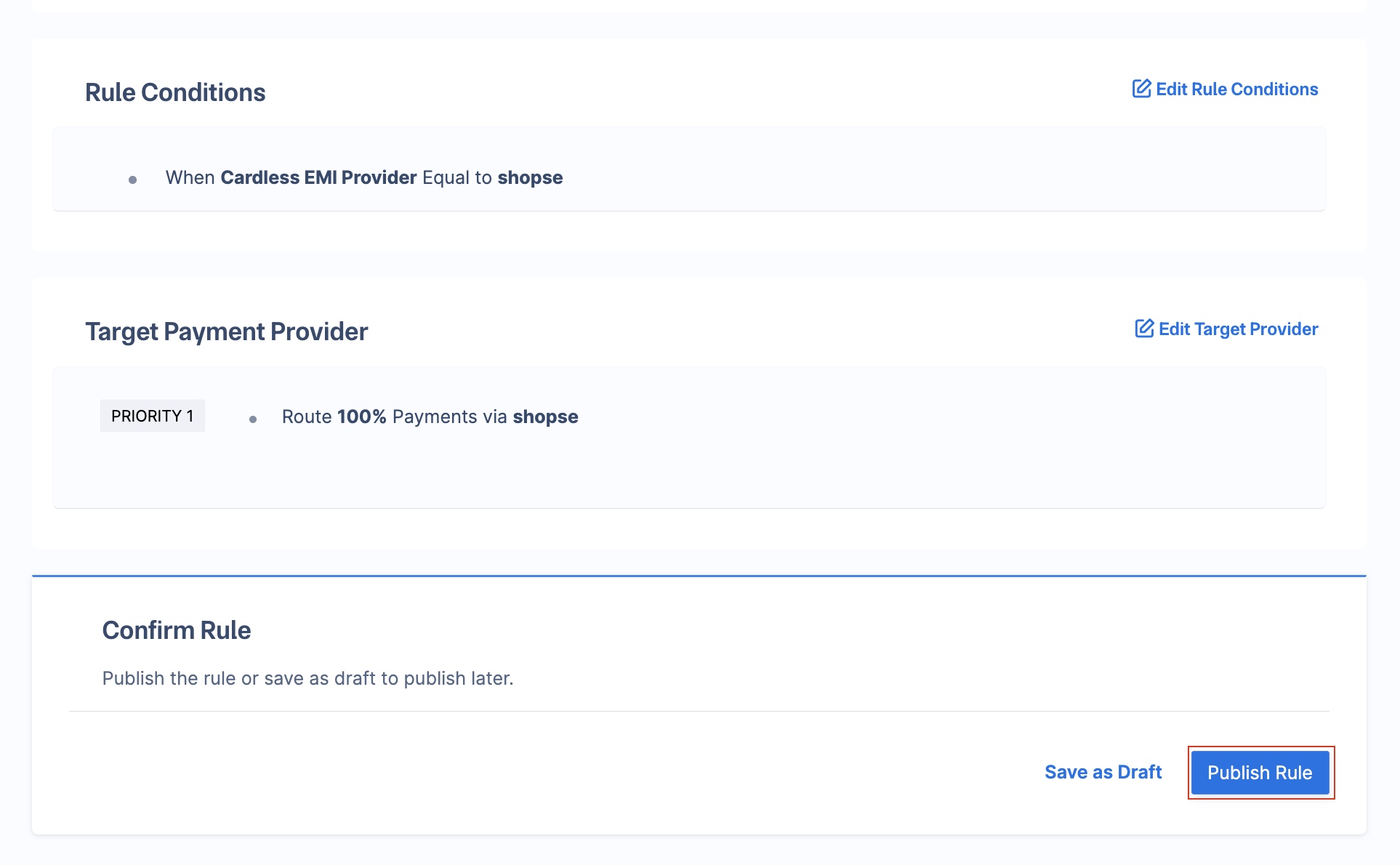
- Click Publish Rule.
Best Practices
Before routing all traffic or some traffic to a new gateway via Optimizer, the following best practices are recommended:Live and Test Mode Rules
Live and Test Mode Rules
All rules configured in live or test mode on the Razorpay Dashboard will reflect in live mode. However, credentials added in test mode will not be automatically replicated in live mode.
Sanity Test at Razorpay
Sanity Test at Razorpay
You can reach out to Razorpay for basic sanity testing of the integration. Razorpay will try a test payment of a small value and ensure that the credentials are correct.