

Available in🇮🇳 India
Most companies rely on a Chartered Accountant (CA) or an internal finance team to work on their financial data for filing taxes, payment and compliance.
Usually, this data is maintained in an accounting tool or structured folders for bookkeeping, auditing and tax filing and periodically sent via email or uploaded into shared folders (like Google Drive or Dropbox) for stakeholders to access.
With the RazorpayX Chartered Accountant Portal, you can access and download a host of reports that you would need to maintain financial data.
Chartered Account Portal
The CA Portal in RazorpayX is a user role using which you can invite your CA to your X team. The special permissions the CA role has are listed below:
Explore what other user roles are available in RazorpayX.
Your CA can primarily view and download reports. You can share the reports to your CA in the following 2 ways:
Generate Reports
You can generate reports and send them via email to your CA. To do so:- Log in to your RazorpayX Dashboard.
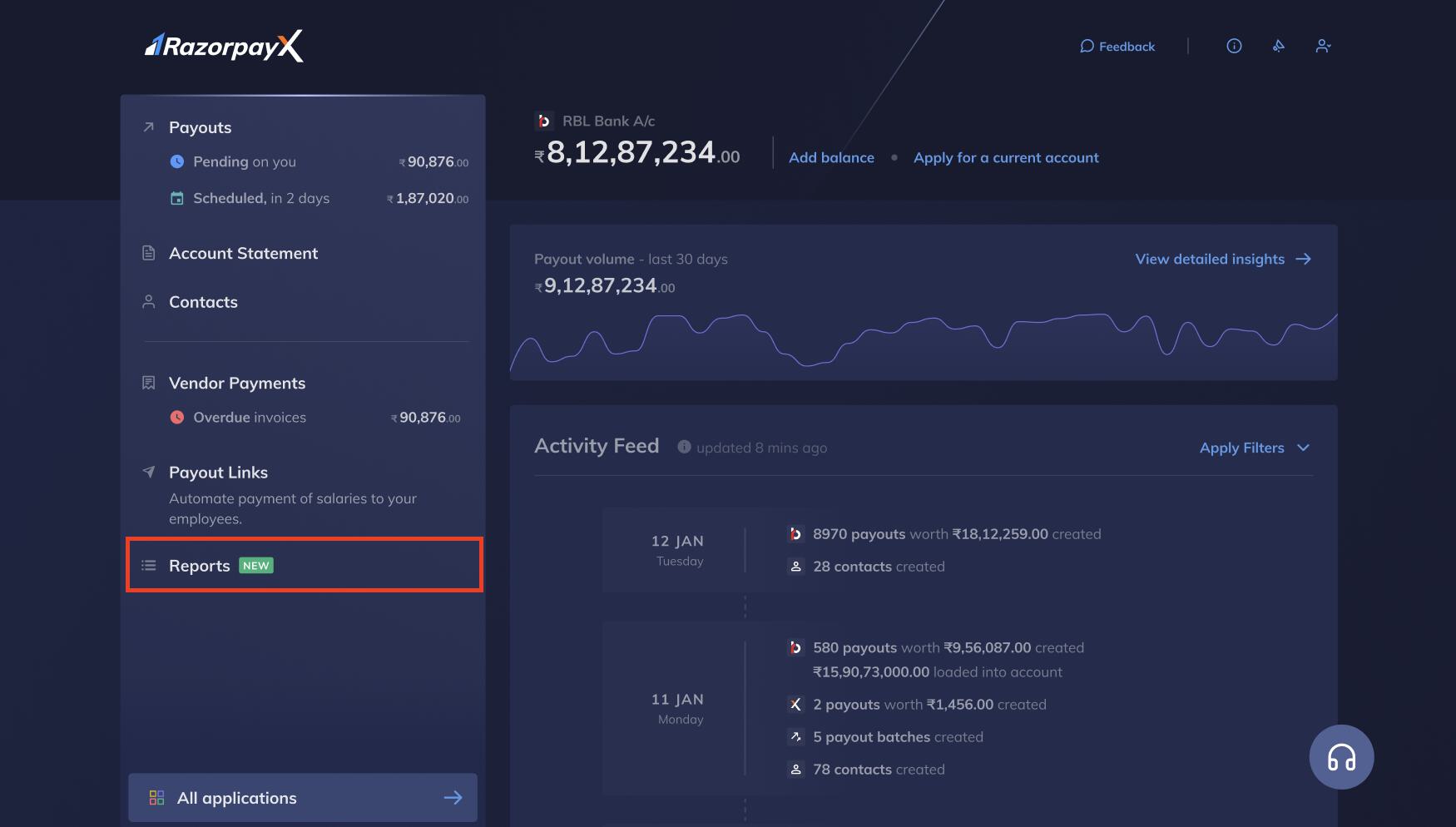
- Navigate to Menu → Reports as shown below:
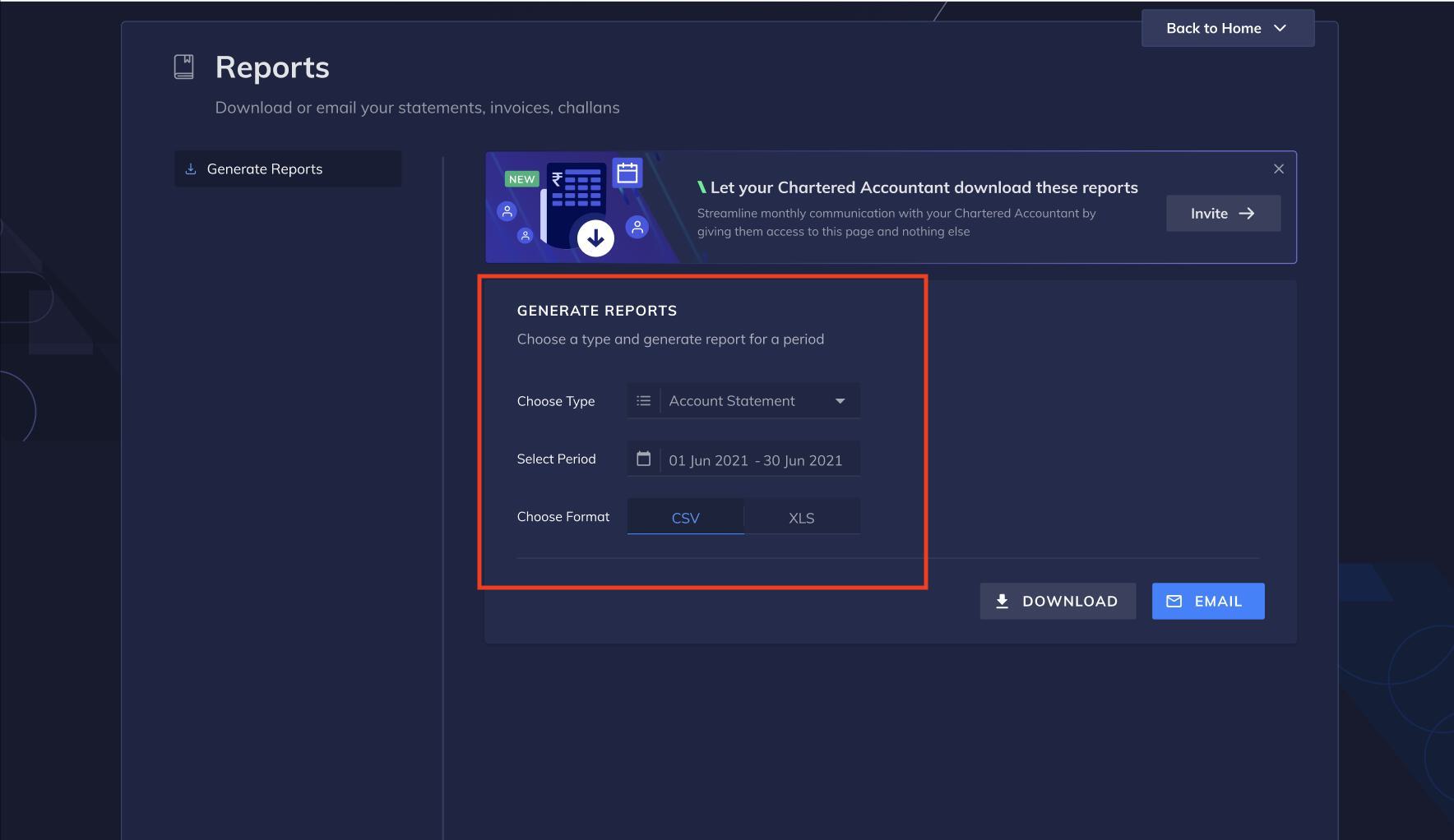
- Select a report type from the drop-down list and period for which report must be generated, and format of the report. Click DOWNLOAD to download a copy of the report as shown below:
- Enter the email address to which report must be sent, or select email address from the list as shown below:
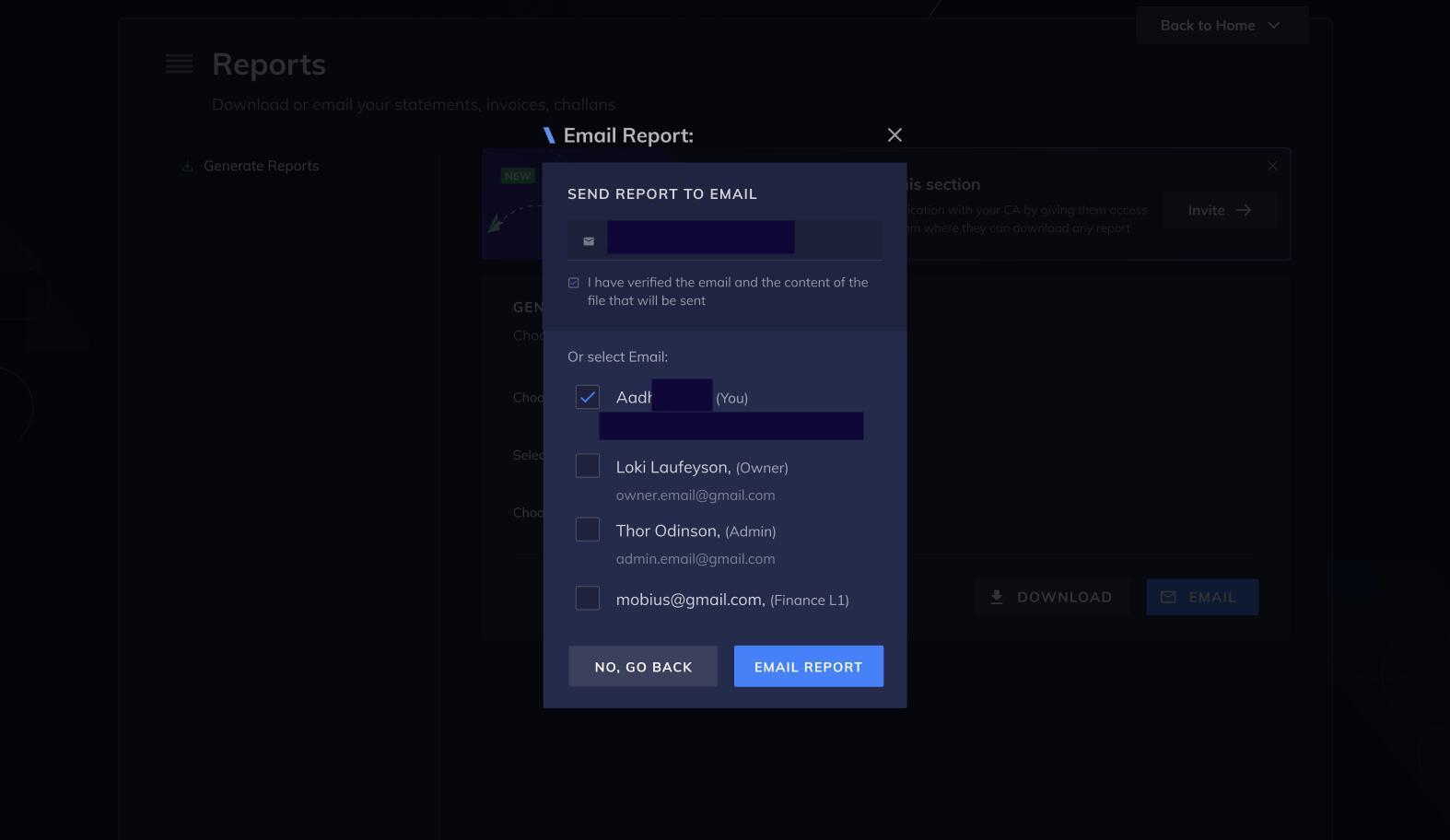
- Click EMAIL REPORT.
Steps for the CA/Finance Team
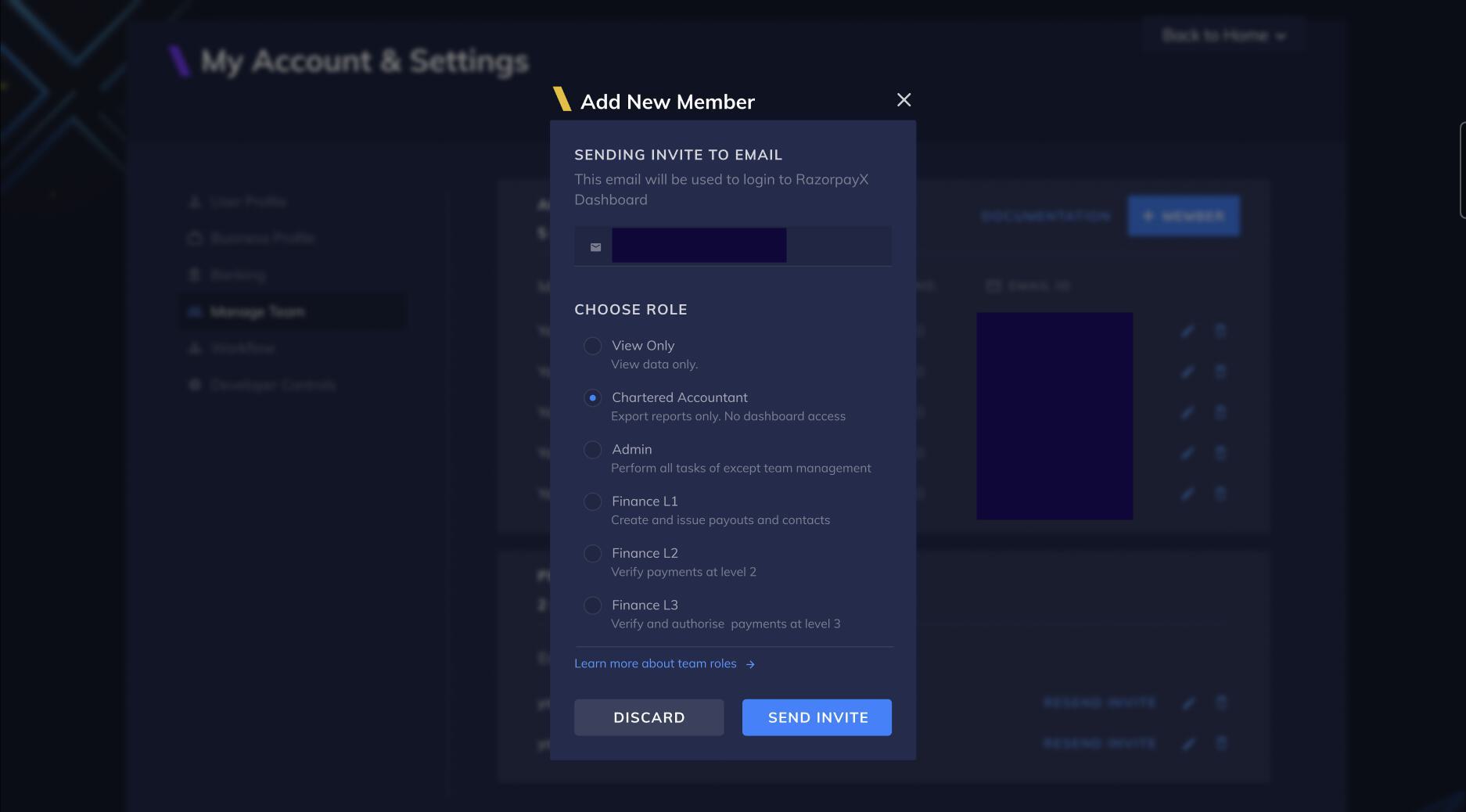
You can enable the Chartered Accountant (CA), finance in-charge, or the Finance team to access the CA Portal to view and analyze financial data. This reduces the wait times and eliminates the need to email reports manually. To provide access to your CA/Finance team:- The owner/founder/admin must click INVITE CA in the banner or pop-up page.
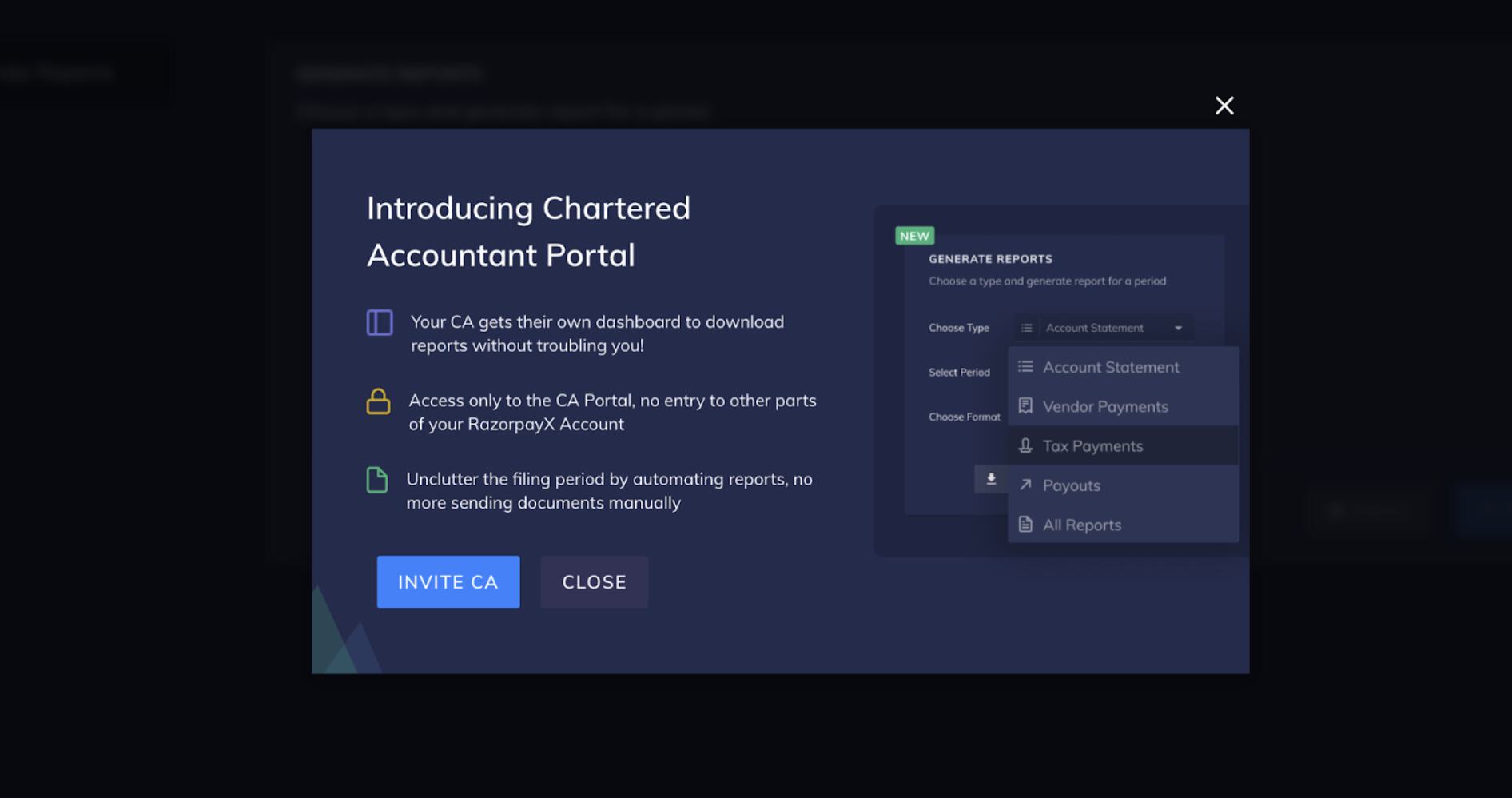
- Enter the email address, choose role, and click SEND INVITE.
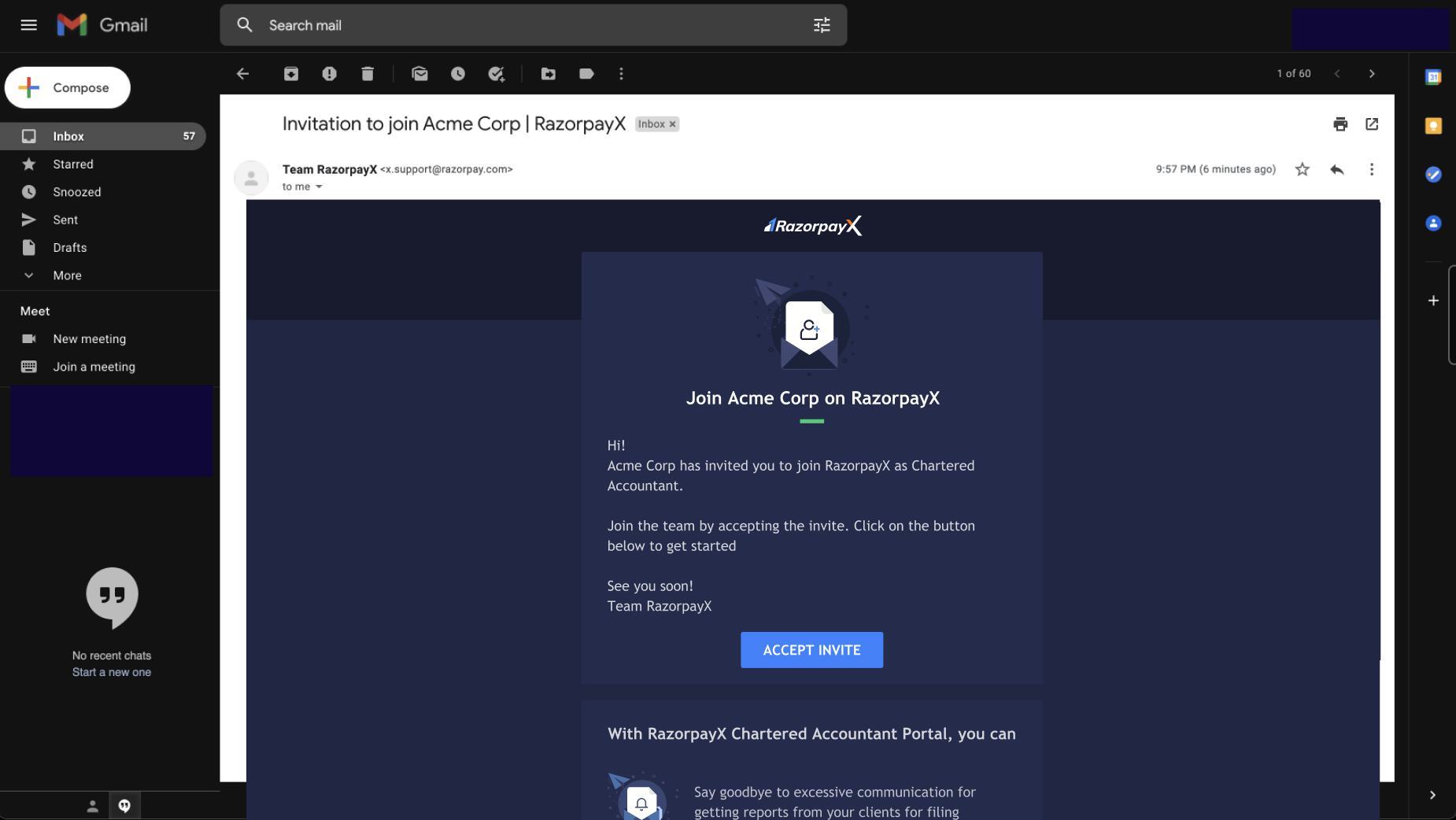
- Click ACCEPT INVITE in the email invitation as shown below.
- Enter email address, and create a password. Click ACCEPT INVITE.
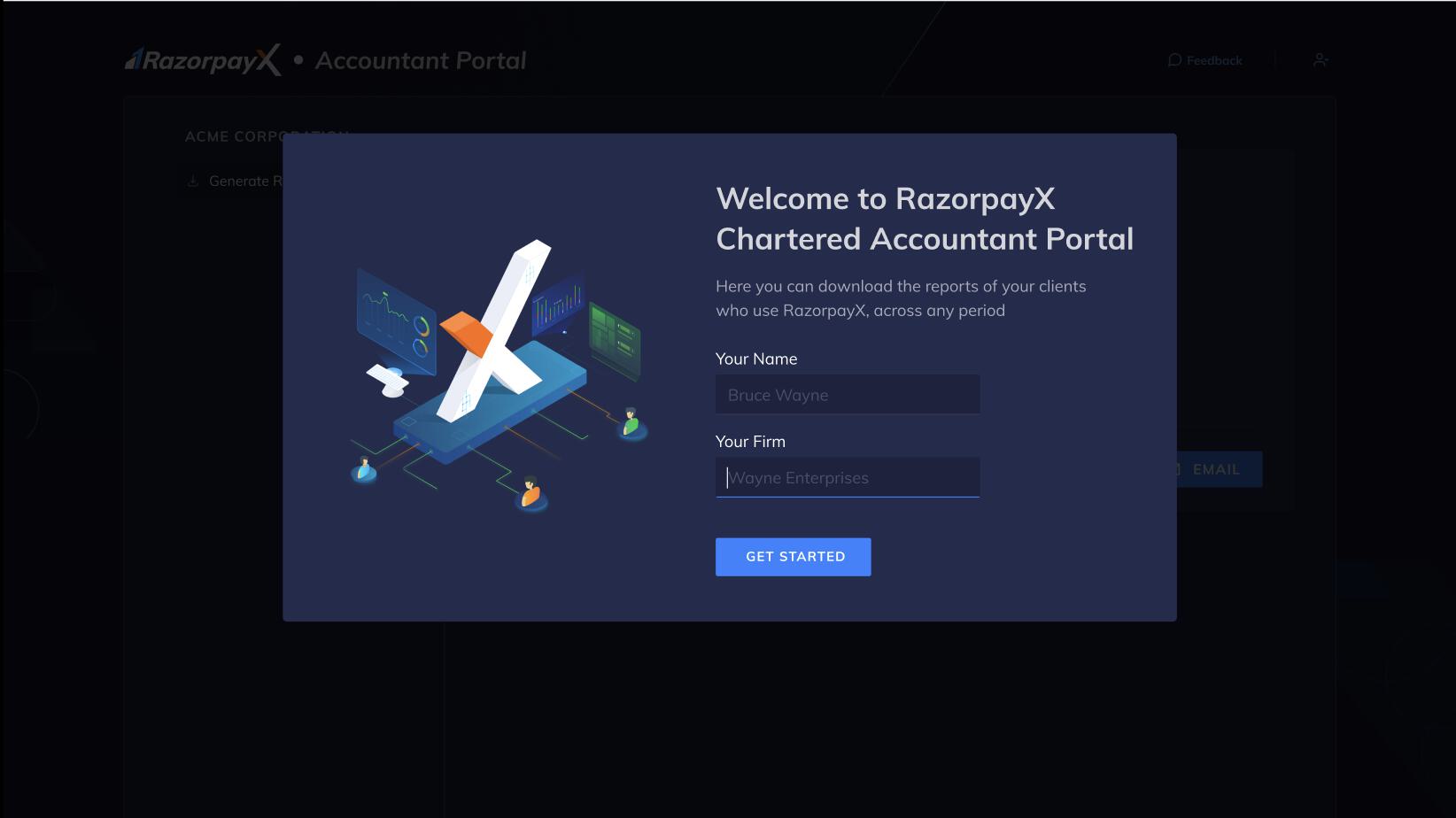
- Enter name, and firm name and click GET STARTED as shown below.
Handy TipsIf multiple RazorpayX users have invited CA to the Portal, the CA can switch merchants from within the RazorpayX Dashboard.